Advertisement
Click to download now, finish the installation quickly, and directly unlock the all-round experience
Advertisement
Screenshots
Click to download now, finish the installation quickly, and directly unlock the all-round experience
vCastSender lets you share content from an Android device to a ViewSonic ViewBoard interactive flat panel for a presentation, lesson or group discussion. It suits people using a ViewBoard with vCastReceiver who want to present from a phone rather than pass around a file or cable. ViewSonic Corporation publishes the app.
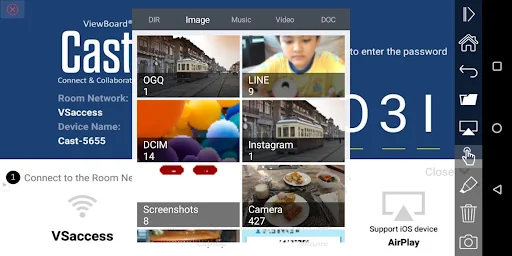
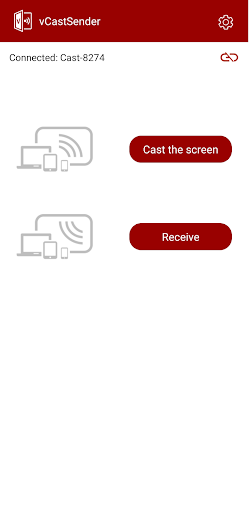
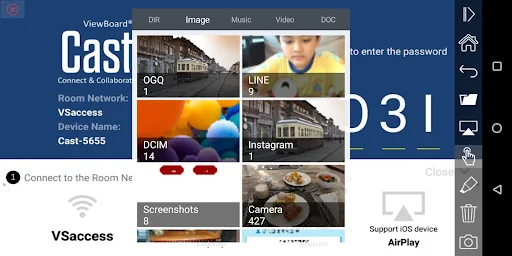
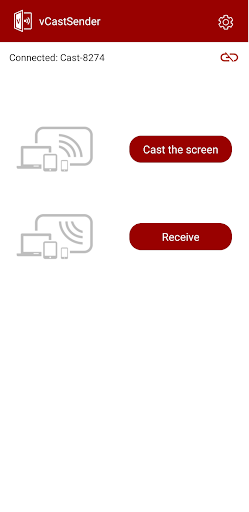
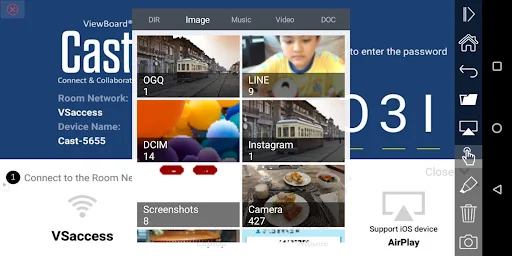
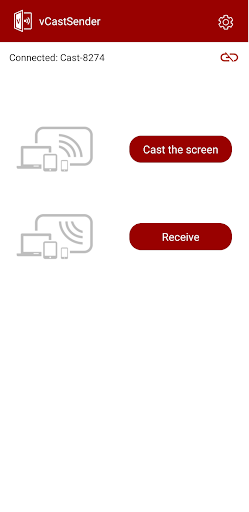
The app can send your screen, photos, videos, music, documents and camera view to the display. It also supports live recording and on-screen annotation. Depending on the setup, you can use your device to control displayed content or control the ViewBoard remotely. These tools make it more focused on working with a compatible display than on general-purpose screen casting.
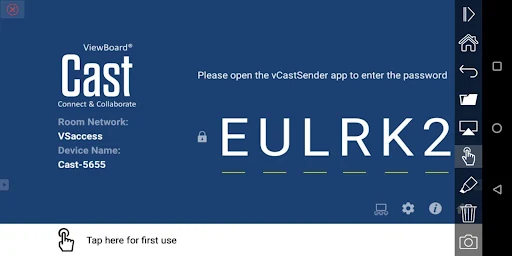
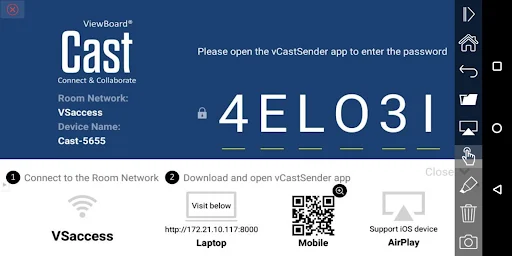
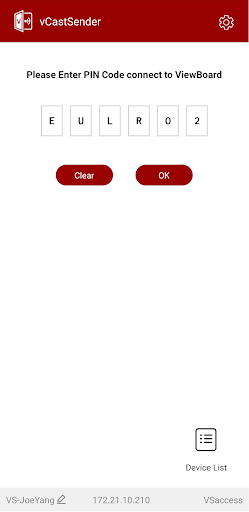
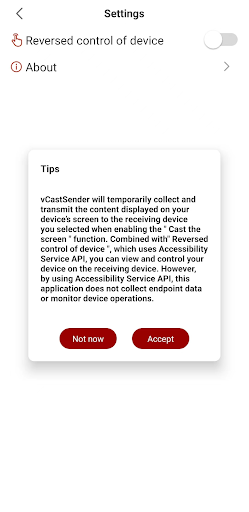
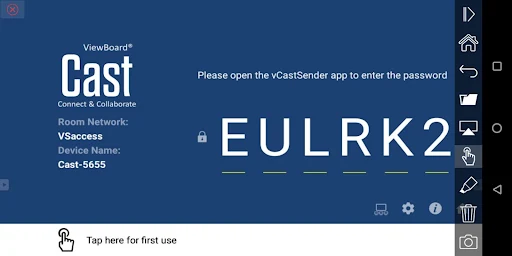
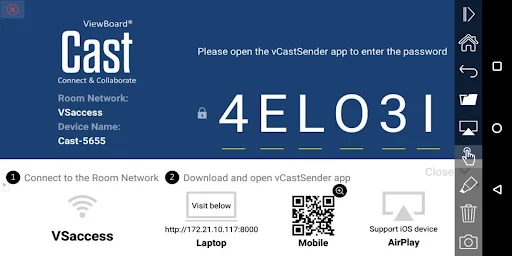
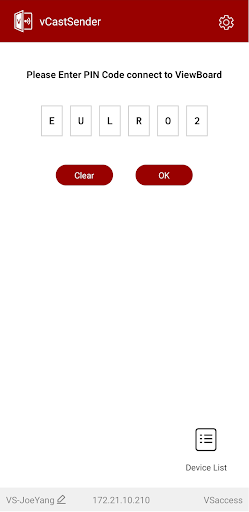
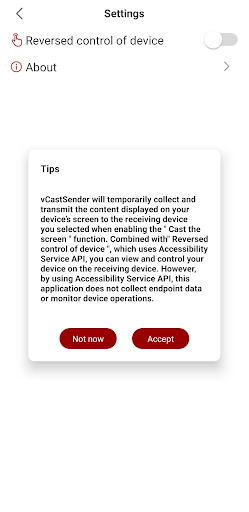
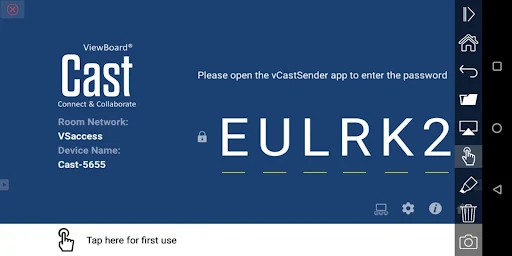
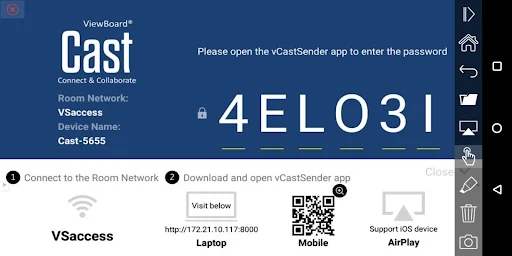
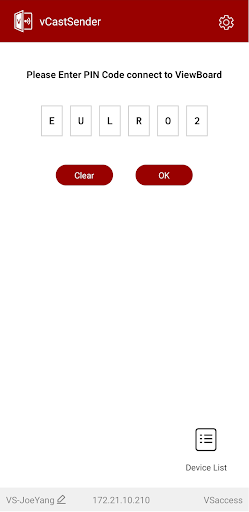
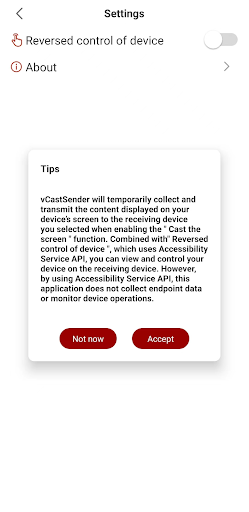
Your device and the ViewBoard need to be on the same network. The panel must have vCastReceiver open; you then connect through vCastSender using the panel’s PIN. The app requests access to storage files, which it needs to share content. Its reversed device control feature uses Android’s Accessibility Service. ViewSonic says this feature lets you operate your device from the display and that the app does not collect personal or device information or monitor your operations.
vCastSender is most relevant if your classroom or meeting space already uses a compatible ViewBoard. Without that display and receiver app, its presentation and remote-control features have little use. The listing shows 100,000+ installs and a 2.84 rating from 324 ratings. Those figures offer some context, but they do not tell you whether the app will suit your particular display setup.