Advertisement
Click to download now, finish the installation quickly, and directly unlock the all-round experience
Advertisement
Screenshots
Click to download now, finish the installation quickly, and directly unlock the all-round experience
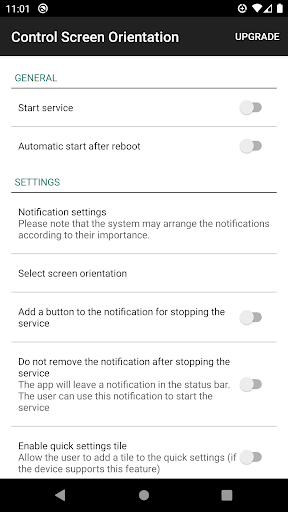
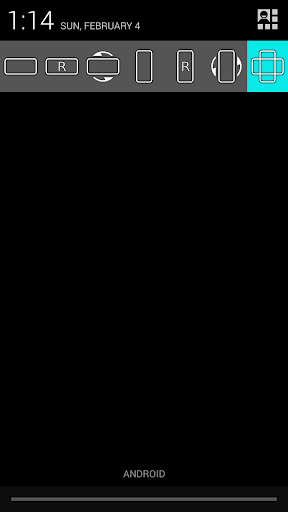
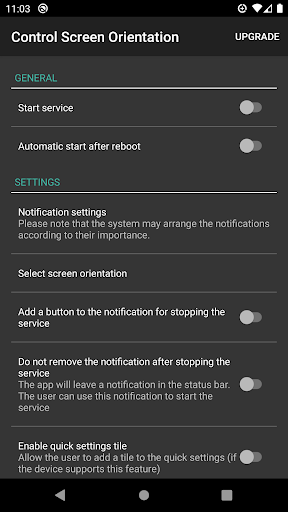
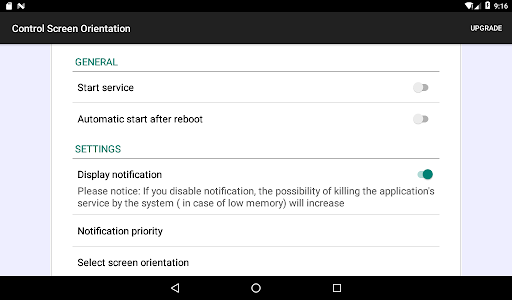
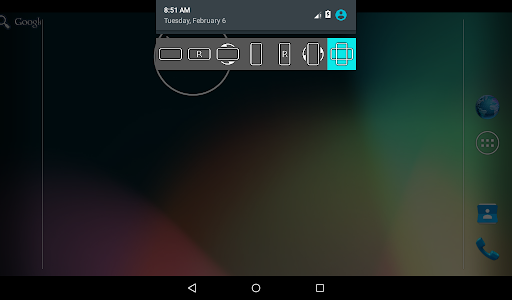
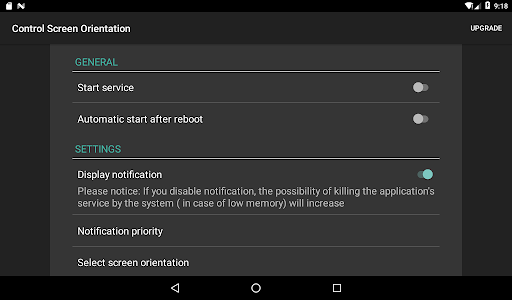
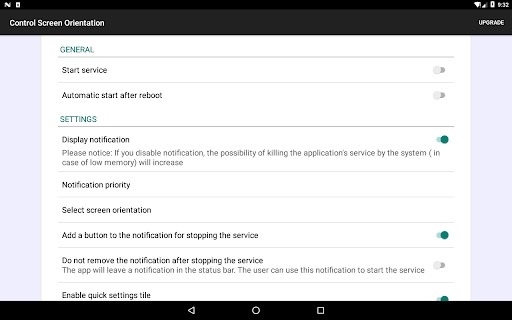
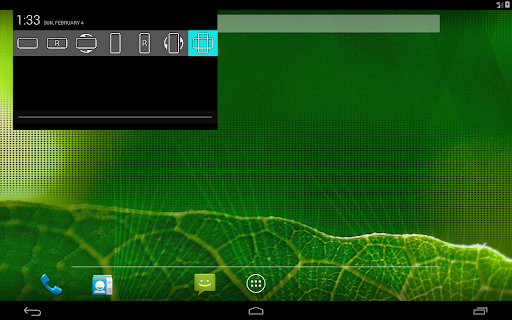
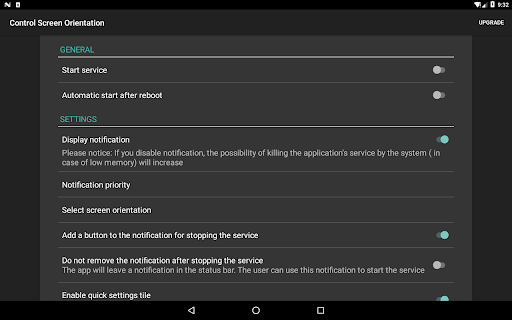
control screen rotation lets you select your device’s screen orientation from the notification bar instead of relying only on automatic rotation. It suits people who want to keep the display in portrait or landscape, or choose a different orientation while using an app. The controls are useful when the usual auto-rotate setting does not give you the screen position you want.
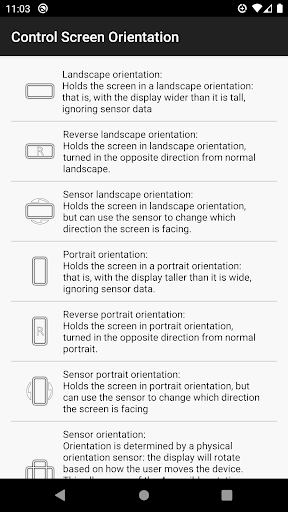
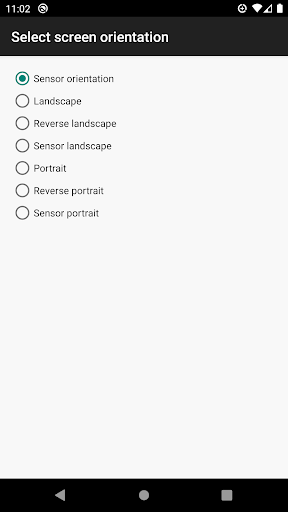
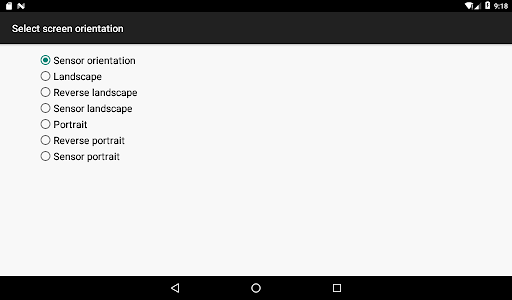
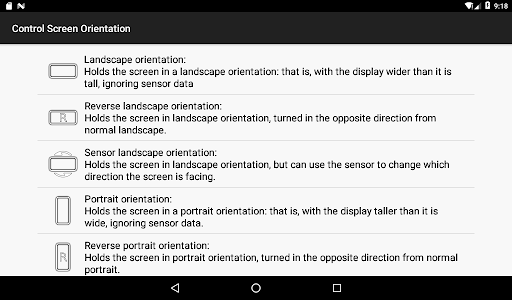
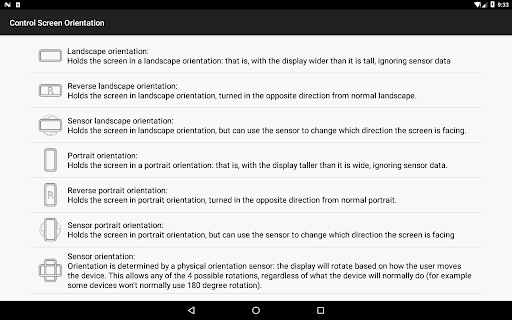
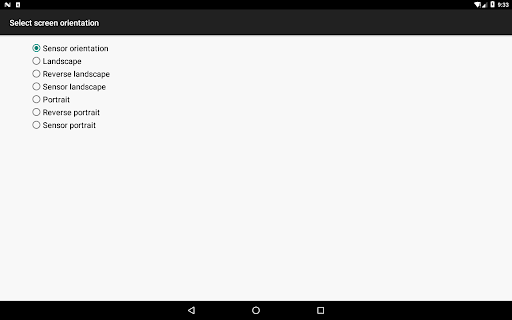
The available choices include portrait, reverse portrait, landscape and reverse landscape. Sensor portrait and sensor landscape use the device’s sensors while restricting the display to that general direction; sensor orientation provides automatic rotation. This gives you several ways to balance a steady screen with movement-based rotation.
Not every orientation is available on every device. The choices you see may depend on your phone or tablet, so a specific mode should not be assumed to work across all hardware.
This is a focused Tools app for changing screen orientation, rather than a broader device-customisation suite. If you only need standard automatic rotation, your device’s built-in setting may be enough. If you want to select among more specific directions from the notification bar, compare those controls with other rotation apps before deciding which approach fits your routine.
The listing shows a 4.225 rating from 33,765 ratings and 10,000,000+ installs. Those figures indicate broad use, but they do not tell you whether every orientation mode will be supported on your device. The developer is ah_apps.