Epson DocumentScan
Seiko Epson Corporation
Downloads
1,000,000+
Source
Google Play
Advertisement
Click to download now, finish the installation quickly, and directly unlock the all-round experience
Advertisement
Screenshots
Click to download now, finish the installation quickly, and directly unlock the all-round experience
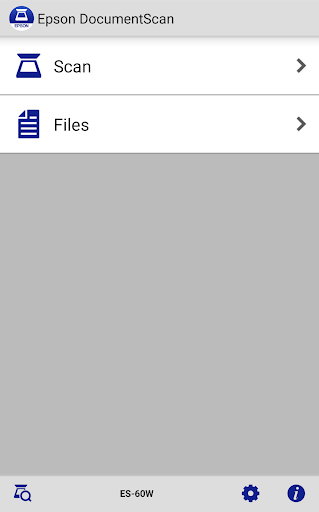
Epson DocumentScan lets you send scans from a supported Epson scanner to an Android device. It suits people who want to capture paper documents without routing them through a computer first. The app is made by Seiko Epson Corporation, and it works only with compatible Epson scanner models, so check that your scanner is supported before relying on it.
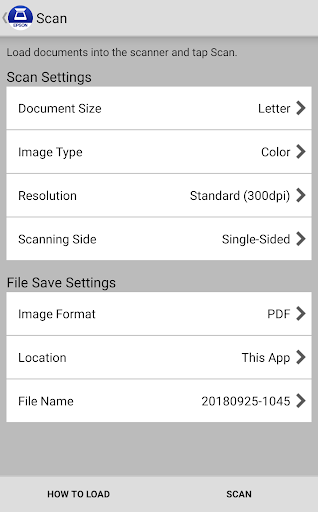
You can connect the scanner and phone or tablet through the same Wi-Fi network, or use a direct wireless connection between the two. Scan settings include document size, image type, resolution and single- or double-sided scanning. Some recognition options can detect the page size and image type automatically.
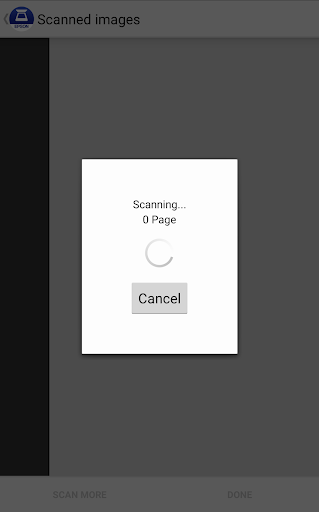
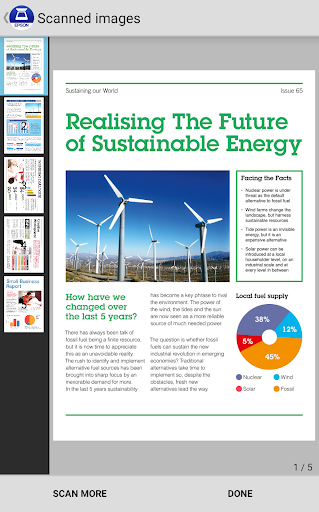
After scanning, you can preview the pages, rotate them and change their order. For multi-page documents, rotation and page ordering can be adjusted across several pages. These controls make the app more useful for assembling a readable document than for simply capturing a single image.
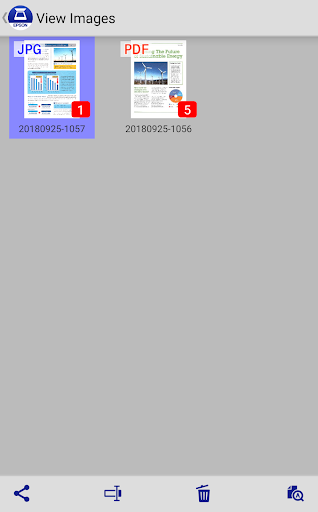
Finished files can be sent by email, passed to other apps on your device, or shared with supported cloud services such as Box, Dropbox, Evernote, Google Drive and OneDrive. Using a cloud destination may require its own app to be installed. A built-in FAQ provides help with using the scanner connection and app features.
Epson DocumentScan has 1,000,000+ installs and a 2.95 rating from 2,974 ratings. Those figures offer some context, but they do not tell you whether your particular scanner is supported or how well the app fits your workflow. If you need Epson-specific scanning and direct delivery to Android, its connection and file-sharing options may cover the basics. If you use another scanner brand, this is not the right match; compare it with broader scanning apps before deciding.